

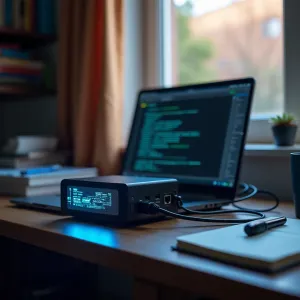
High School to Homelab — A Student's Linux Journey
Last week, a high school student posted on r/homelab. i5-6500T. 40TB NAS. ThinkPad X13 running Proxmox. Looking for advice on his setup.
At the time I read it, the post had 163 points and 70+ comments. Not a single "you're too young for this." The entire thread was encouragement, technical tips, and people genuinely excited that a teenager was building real infrastructure.
I scrolled through it twice. Not because the hardware was impressive — it was solid, sensible gear. I kept reading because I recognised something.
I teach Cambridge Computer Science. I've watched students memorise the OSI model for an exam and forget it the next week. I've seen students write perfect pseudocode for a bubble sort and freeze when their Python script throws a traceback. The gap between knowing about computers and knowing computers is real, and it's wide.
That Reddit post made me think about something I've believed for a while now: the students who build homelabs often learn far more deeply than the students who only read textbooks. Here's why.
How I Learned Linux — By Breaking Things
I didn't learn Linux in a classroom. I learned it on a BMAX Pro 8 that I bought for $320, installed Proxmox on, and promptly broke three times in the first week.
The first time I misconfigured a network bridge, every VM lost connectivity. The second time I filled a ZFS pool and couldn't figure out why zfs list showed space I couldn't use. The third time a kernel update borked the NVIDIA drivers I'd spent two days compiling.
Each time, I fixed it. Not because I'm brilliant — because the server ran services I actually needed. My blog. My automation workflows. My AI models. When your own infrastructure is on the line, you learn fast.
That's the difference between classroom Linux and homelab Linux. In a classroom, if you break something, you raise your hand and the teacher fixes it. In a homelab, if you break something, your services go dark and nobody's coming to save you. The pressure is low-stakes (it's just your own stuff) but the motivation is real.

What a Homelab Actually Teaches
Here's what I didn't understand when I started: a homelab isn't a hardware project. It's a compressed operating systems course where you do the labs on your own production servers.
Real networking, not textbook networking
The Cambridge A-Level syllabus covers IP addressing, subnetting, DNS, and the TCP/IP stack. Students can define a subnet mask on an exam. But plug a cable into a Proxmox node and try to get a VM talking to the internet, and suddenly 192.168.1.0/24 isn't a notation — it's a decision with consequences.
When you set up a Linux bridge in Proxmox, you learn what a bridge actually is. When you configure a VLAN for your IoT devices, you understand why network segmentation matters. When you set up Nginx as a reverse proxy, you finally get what a port is and why it matters that only one service can bind to port 80.
I've written about the minimal homelab setup I run, and here's what surprised me: the networking concepts I thought I understood from reading became viscerally clear the first time I configured them for real.
Linux administration — not just cd and ls
Desktop Linux teaches you the GUI. Homelab Linux teaches you the guts.
Running services on Debian means you learn systemd — not because you want to, but because your Docker containers won't auto-start without it. You learn journalctl because your n8n workflow crashed at 3 AM and you need to know why. You learn apt, dpkg, and package pinning because a dist-upgrade broke your GPU passthrough and you need to rollback.
These aren't exotic skills. They're what separate someone who "uses Linux" from someone who can admin a Linux server. And they're exactly what CS students need if they want to work in infrastructure, DevOps, or any role that touches production systems.
Troubleshooting as a skill
The Cambridge syllabus covers debugging — for code. But debugging a server is a different muscle. When your Proxmox node won't boot after a kernel update, you can't set a breakpoint. You check the boot log. You chroot in from a live USB. You learn that fsck exists and that you should have run it three hours ago.
I once spent an evening convinced my Proxmox installation was corrupted. Turns out I'd plugged the Ethernet cable into the wrong port. Two hours of kernel parameter debugging for a Layer 1 problem. That night taught me more about systematic troubleshooting than any textbook chapter.
How homelab skills connect to Cambridge CS topics
What I find fascinating — and what makes me push students toward homelabs — is how directly these skills map to the Cambridge Computer Science syllabus.
| What you do in a homelab | Cambridge syllabus topic |
|---|---|
| Install Proxmox, partition disks | Memory, storage devices, and media |
| Set up network bridges, VLANs | Network hardware, IP addressing |
| Configure DNS, reverse proxy | DNS, client-server model |
| Write shell scripts for automation | Pseudocode and programming concepts |
| Run Docker containers | Operating systems, virtual machines |
| Debug boot failures, kernel panics | Interrupts, system software |
| Monitor with systemd/journalctl | Monitoring and control systems |
| Set up MariaDB for services | Database concepts, SQL |
This isn't forced. When you build a homelab, you don't think "today I will study storage devices." You think "I need more space for my media server." But the act of buying an SSD, partitioning it, mounting it, and expanding your ZFS pool teaches you more about storage than any diagram in a textbook.
That's the magic. The learning is a side effect of building something you actually want.
If you're preparing for the Cambridge exams, I've written a detailed
 Techie Mike
covering the same topics — it's the exam answer angle to match the hands-on learning your homelab gives you.
The Minimum Viable Student Homelab
You don't need a 40TB NAS and a rack. The Reddit student's setup is impressive, but it's also more than anyone needs to start learning.
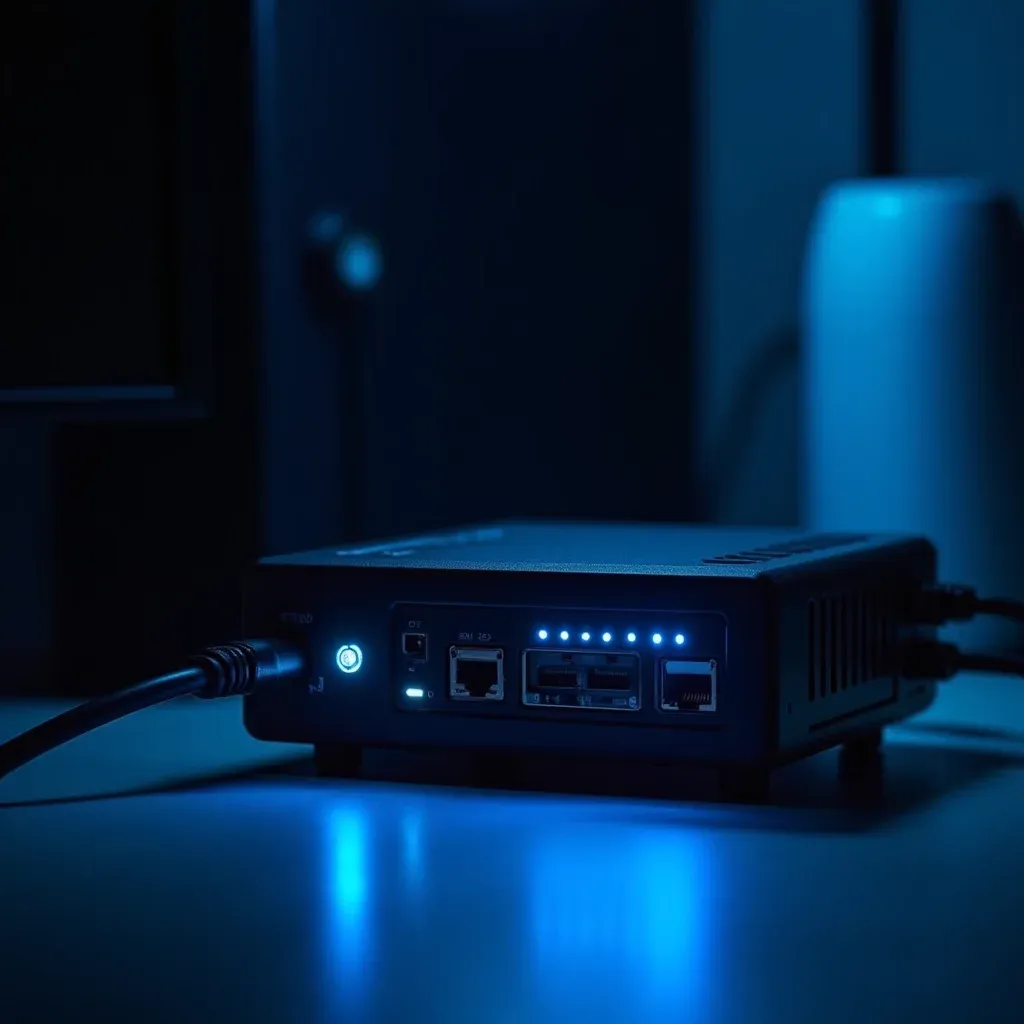
Here's what I'd tell a CS student who wants to build their first homelab:
A used office PC. A Dell Optiplex or Lenovo ThinkCentre with 16GB RAM costs $50–$100 on eBay. It sips power, it's quiet enough for a bedroom, and it'll run Proxmox and a dozen containers without breaking a sweat.
Proxmox VE. Free. Open source. Runs on basically anything. The web interface lowers the barrier to entry, but the underlying system is Debian — so you're learning real Linux from day one.
Start with three services. A web server (Nginx), a database (MariaDB), and something fun — a Plex server, a Minecraft server, a personal website. Three services is enough to learn networking, storage, and system administration without getting overwhelmed.
Break something on purpose. Pull a config file. Misconfigure a firewall rule. Fill a disk. Then fix it. The fixing is where the learning happens.
A word on safety. Don't expose services to the public internet until you understand updates, firewalls, passwords, SSH keys, backups, and basic hardening. A homelab is for learning — keep it on your local network while you're figuring things out. The mistakes are much safer behind a router.
I've compared the CHUWI MiniBook X and BMAX Pro 8 as homelab starters, and honestly, either works. But the $150 N100-based BMAX is the sweet spot for a student — it's in the same price range as a Raspberry Pi 5 kit but gives you 16GB of RAM and an x86 CPU that runs a full Linux hypervisor.
The Skills Employers Actually Want
Here's something I tell my students: nobody hires a graduate because they can explain virtual memory. They hire graduates who can SSH into a server, diagnose why a service is down, and fix it.
When you build a homelab, your CV gets a quiet upgrade. You can't list "ran a Proxmox node for two years" as a formal qualification, but you can describe what you actually did: "Managed Linux servers running Docker, Nginx, MariaDB, and automated workflows with systemd. Configured network bridges, VLANs, and firewall rules. Troubleshot kernel panics, disk failures, and service outages."
That's not a bullet point from a coursework submission. That's evidence you can operate real systems. And in a job market where CS graduates are competing with AI tools that can write code, the ability to run systems is increasingly what sets people apart.
The Thing Nobody Tells You
The Reddit student's post had 70 comments of technical advice. But not a single person said what I wish someone had told me when I started: the best way to learn computer science is to build something you depend on.
When your personal website goes down, you're motivated to understand DNS. When your Plex server can't transcode, you learn about CPU scheduling and hardware acceleration. When your backup script fails silently for a month and you lose a week of config changes, you learn about monitoring and alerting the hard way — and you never forget.
Classroom CS teaches you the theory. Homelab CS teaches you the practice. You need both.
That high school student with the 40TB NAS and ThinkPad X13? He's not just building a server. He's building the foundation for a career — and learning more on a Tuesday night than most students learn in a semester.
If you're a student reading this: grab a used PC, install Proxmox, and break something. Then fix it. That's the whole curriculum.
